
When a Church Outgrows Its Website Builder (And When It Hasn't)
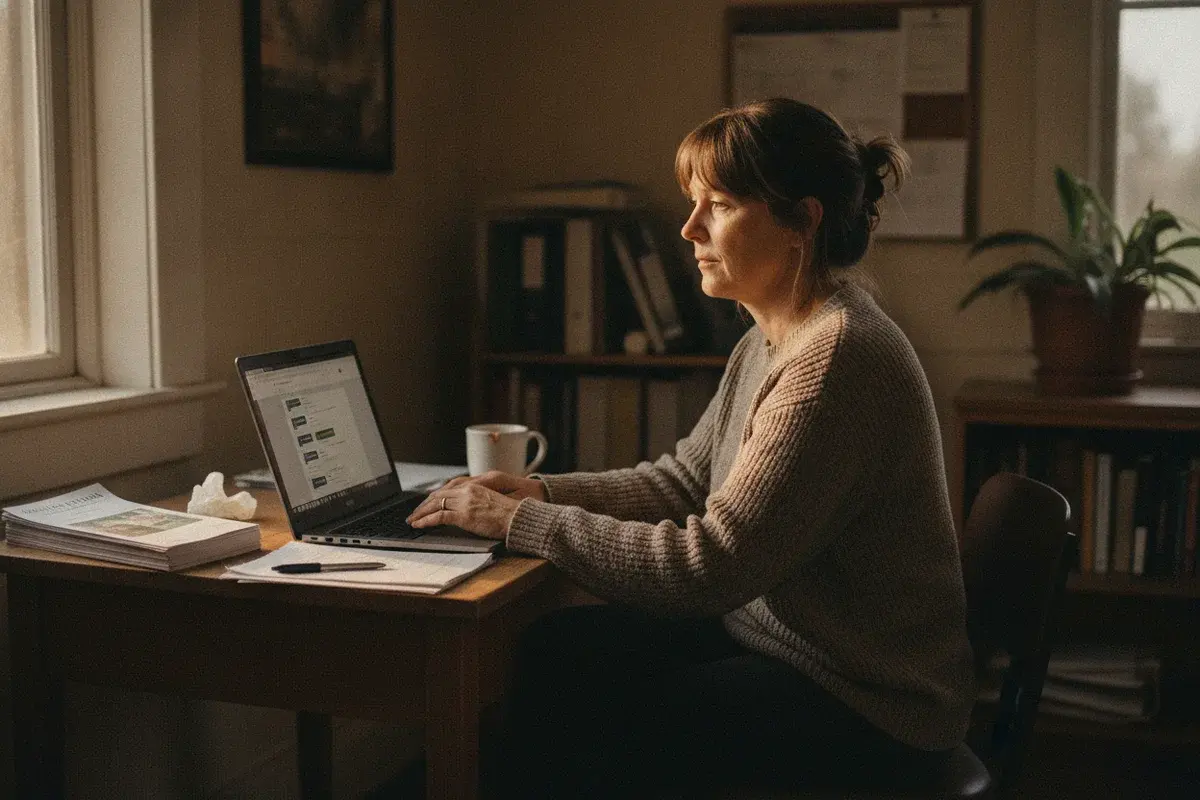
Every church has one: the volunteer who runs the website when they can. Some weeks that means a whole day publishing the sermon, updating events, and fixing whatever broke since last time. Most weeks, let's be honest, it means the site doesn't get updated at all.
And an outdated website says something. To the person on the other end, it says this place isn't on top of things, even when the church itself is thriving.
That's not a volunteer problem. That's a platform problem, and it's the real question behind church website builder vs custom website. We believe there's a better way: the platform you choose should work with you, not against you.
Wix, Squarespace, and Tithely serve plenty of churches well, for years, without a single real problem. Most churches that start there should stay there.
But here's the deal: some churches outgrow the builder, and the site itself starts working against the ministry instead of for it.
A church has outgrown its website builder when speed, structure, or tracking cap what the ministry can do online, not simply when the design looks dated. If your site loads fast on a phone, your service times are one tap away, and you show up in Google for your own name and for "church near me" in your town, the builder isn't your problem. If none of that is true anymore, the builder probably is.
Signs You Haven't Outgrown It Yet
Start here, because most churches reading this don't need to change anything. It's tempting to assume the newer, shinier option is automatically the right one. It usually isn't.
Church Website Builder vs Custom Website: Should You Stay on Squarespace or Wix?
Stay on Squarespace or Wix if your site passes three honest tests. Your homepage loads fast on a phone, standing in a parking lot on a weak signal. Your service times are one tap from the homepage, not buried three clicks deep. And when someone searches your church's name, or "church near me" in your town, you actually show up.
Pass all three, and a custom build would be solving a problem you don't have. The same goes for a church that's just getting started, with tight finances and no budget to manage a custom-built site. Something like Squarespace may be exactly the right build, if (and it's a big if) someone on the team can actually manage it. What you need instead is targeted work on the site you already own: navigation, speed, the local SEO signals Google actually reads. That's exactly what our church website optimization service is built for, and we've written more on how to tell redesign from optimization if you're not sure which side of that line you're on.
Signs Your Church Has Outgrown Its Website Builder
When Has a Church Outgrown a Website Builder?
A church has outgrown its website builder when the platform itself, not your content or your effort, is the thing capping growth. Here's what that actually looks like in practice.
- Mobile is slow, or the layout fights you. Not "could be faster." Actually slow, on the device most of your visitors are using, no matter what you turn off.
- You can't rank for "church near me" or your town. Not because your content is bad, but because the platform's structure and speed cap how far Google will send you, no matter how much you write.
- You have no idea what's working. Nothing is tracked. No GA4 key events, no idea which page actually led to a visit or a gift, so every decision is a guess dressed up as a strategy.
- It only gets updated when the volunteer is free. Sermons go up in batches. Events post after they've happened. The site slowly starts to look abandoned, and that's the platform telling you something, even when nobody's listening yet.
- Your ministries don't fit the template anymore. Multiple campuses, a growing sermon archive, a new ministry the template was never built to hold.
- Giving, events, and your ChMS are bolted on. Iframes and embeds stitched together, and one of them breaks every time the platform pushes an update.
Two or three of those, and you're not imagining it. If it's mostly item one, we've written the full walkthrough on why churches don't show up on Google, and it's worth reading before you assume the fix has to be a rebuild.
Is a Custom Church Website Worth It, or Should You Just Use Tithely or Subsplash?
Custom is worth it once the builder is the thing holding you back. Until then, if budget is the issue and you have someone on staff to manage it, Tithe.ly or Subsplash can be a fair middle step. Their price points are strong for a templated site with modern design, and their content management is genuinely good: articles, sermons, and events managed across the web and the app from one interface.
If you're on one of them today and satisfied, or you're considering one and budget is your primary concern, they're strong contenders. Take them seriously. Even the good ones are still renting you the site, though. Your design flexibility trails their app, and your search visibility trails their giving platform, because that's the product they're actually optimizing. You gain integration and give up ownership, and that trade is worth making for some churches and not for others.
If you're weighing platforms in general, we've laid out how Wix, Squarespace, and WordPress actually compare for churches, church-specific builders included.
Here's the question worth asking before you sign a contract with any of them: are you buying a website, or are you renting a slot inside someone else's product roadmap? Neither answer is wrong. But only one of them is fully yours five years from now.
What Custom Means Now
Custom today can't be compared to what a custom website was ten years ago.
AI tools now do the heavy lifting, the parts that used to eat months: page structure, first drafts, the code underneath. What's left for a human is the taste-making, the good design and good user experience a template can't give you, and that happens in a fraction of the time. We've launched church sites in as little as seven days, full migration included. A build that needs new content and real collaboration with the elders generally takes about thirty days.
We build custom church websites now with NewCulture Studio, our CMS built for church teams, not developers. A volunteer edits service times, sermons, and events without touching code, the same way she'd update a shared document. Our AI-assisted tools can turn a finished bulletin into web updates in minutes, so the person doing the work on Saturday afternoon is writing the bulletin once, not twice.
For churches that want the site kept current without a volunteer carrying it, we also offer optional managed content from $795/mo that keeps things updated weekly. You can see how that fits alongside everything else on our pricing page.
And it's wired for search from day one, not bolted on after launch: Google Search Console, GA4 key events, and your Google Business Profile, all connected before the site ever goes live. You own the domain. You own the code. You own the content, fully, with nothing locking you into a platform that can raise its price or change its terms next year.
This isn't theoretical. For Advance Church in Fayetteville, the issue was time. Ministry is demanding, everyone's plate is full, the senior pastor's most of all, and they needed a site built for them that didn't cost a fortune, looked the part, and represented their community well. Victory Church in Raleigh was looking to grow, and we were constantly fighting their old site just to get it optimized for search and for AI results. Emmaus Church, also in Raleigh, is the third. Different cities, different sizes, same principle: a site built around the church, not a template built around everyone.
Curious what a real cost comparison looks like once you count setup and maintenance, not just the monthly subscription? We've broken down what a church website actually costs, DIY through fully custom.
Does Custom Mean You Need a Developer for Every Change?
No. That was the old trap, and it's the reason "custom" scared churches away for years.
SO. Studio is the answer to that exact fear. It's built for the volunteer who only has Tuesday nights, not for someone with a computer science degree. Service times, staff bios, a new sermon series, an upcoming event: all of it, edited by your team, on your schedule, no ticket filed and no developer waiting on the other end.
I've been on the other side of this, too. I remember the late Saturday nights as the volunteer, asked to update something at the last minute because that's just how church life goes. Anything that could have saved me time then would have been a gift. That's a lot of why Studio exists.
How to Decide This Week
You don't need a committee meeting to know where you stand, and you don't need to decide anything permanent tonight. Ask three questions.
Does your site load fast on a phone, right now, standing where your visitors are searching from? Can someone find your service times in one tap? Do you actually know which pages led someone to visit, or is that still a guess?
If you answered no more than once, the honest next step isn't a redesign quote. It's our church website audit for churches, built to tell you, in plain language, whether you're looking at an afternoon of fixes or something bigger, for $495, credited fully to the project if you hire us to build it.
Your Next Step
Stop guessing about your website and go find out.
Pick one of the three questions above and answer it honestly this week. You don't owe anyone a rebuild or a decision yet. One honest look at whether your site is working for your church or against it is enough to start.
I believe your church's website should get out of your way, not become another Saturday afternoon you didn't plan for. Start with the one question. The rest follows.
Free Download
Get the 10-Point SEO Checklist
The same checks I run first—in plain English, sorted by what to fix first. Drop your email and it's in your inbox in two minutes, plus a short series on getting your website found.
Tagged

About the Author
Jon Horton is the founder of NewCulture. With 20+ years in technology and digital strategy, he helps businesses, nonprofits, and churches build their online presence and reach more people.
Keep Reading
More from the Blog

How a Free Web Tuner Earned Savior Guitar 1,400 Clicks, AI Citations, and the Case for a Pro App
A touring guitar tech in Goldsboro, NC had expert tuning methods and no way to share them beyond the bench. We built a free web tuner, used SEO to connect it with people searching for specific tunings, watched clicks climb from a handful a day to dozens, and then turned the proven demand into a pro tuner app for iPhone and Android.

Best Church Website Design Companies in 2026: 12 Firms Compared on Price, Timeline, and Who Owns the Site
The best church website design companies aren't the ones with the flashiest portfolio. They're the ones that tell you the price, the timeline, and whether you'll own the site before you sign anything. Here's an honest, fact-checked comparison of twelve firms, ours included.

The Real Church Website Cost Over Five Years (Builder, Platform, Custom, and the Volunteer Nobody Counts)
What does a church website cost over five years, once you count the subscription, the setup, the hours somebody spends updating it, and the redesign you'll do at least once? Here's the honest model, built on real published prices, not just the monthly number your finance committee sees.