
Church Website Redesign vs Optimization: Which One Do You Actually Need?
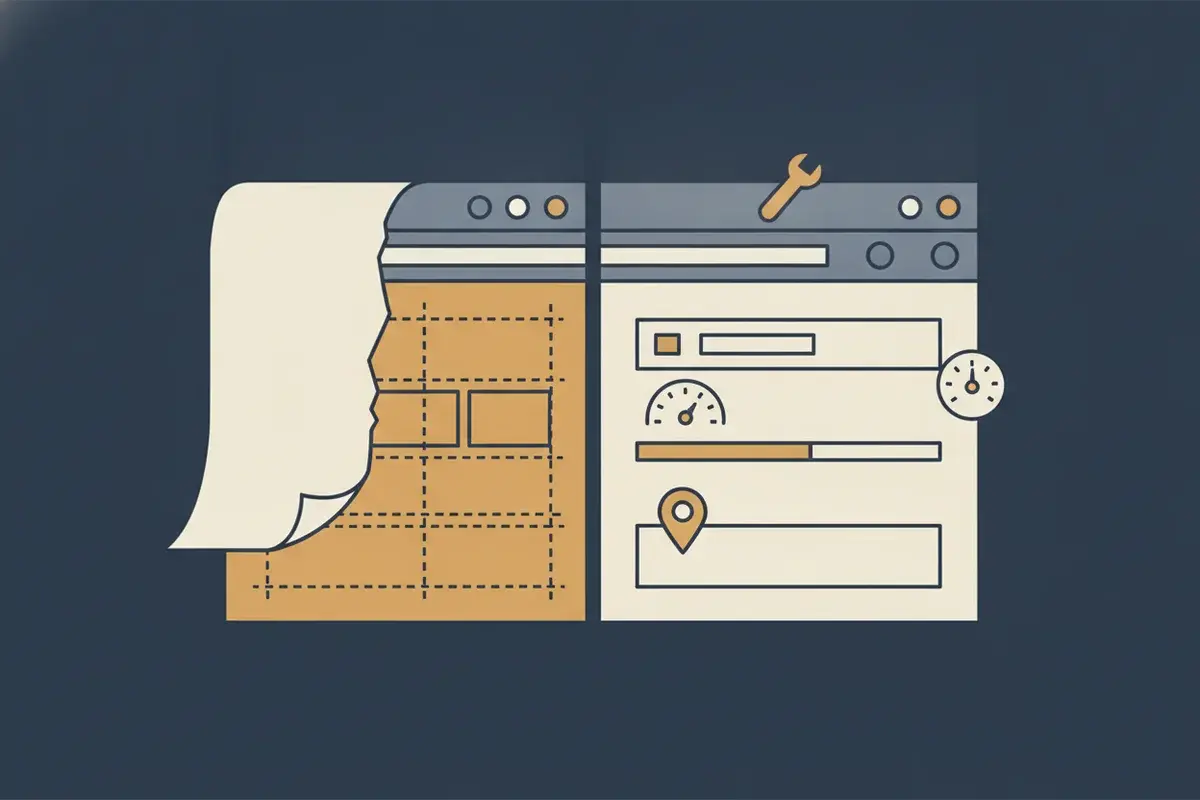
Somebody on your church board says the site "looks dated," and by the next meeting the plan is a full redesign.
Nobody asked what's actually broken first.
That's the trap almost every church walks into. A church website redesign is the reflex—rip it out, start over, hire someone to build something shinier. It feels decisive. It feels like progress.
It's also, most of the time, the wrong first move.
Here's the short, honest answer: most churches assume they need a redesign when what they actually need is optimization. A redesign means rebuilding the site from scratch—new design, often a new platform, weeks or months of work, real money, and real risk to whatever rankings you've already earned. Optimization means fixing what's broken on the site you already have—navigation, mobile speed, service-time visibility, calls to action, local SEO—usually in days, for a fraction of the cost. Redesign is the right call when the platform has hit a real ceiling, the structure is fundamentally broken, your church's identity has genuinely shifted, or the site is unfixably slow. For almost everyone else, optimization gets you further, faster.
Put simply: you can improve church website without rebuilding it in most cases.
That's the whole answer. The rest of this walks through how to know which one is actually true for your church.
Why "Just Redesign It" Is Almost Never the Right First Move
Here's the fair concession: your website probably does look dated. The fonts are wrong. The photos are five years old. Something about it feels like 2019.
None of that means you need a redesign.
A redesign is expensive—thousands of dollars for even a modest church site, tens of thousands for anything ambitious. It's slow—weeks of design, content migration, and revisions, sometimes months if the committee can't agree on a homepage photo. And it's risky in a way most churches never see coming: a careless redesign can quietly erase search rankings you spent years earning, because URLs change, pages disappear, and nobody remembers to tell Google where everything went.
Think about what that means in practice. You spend real money and real time, and if the migration is handled carelessly, you can come out the other side less findable than when you started.
That's exactly the risk our church website and SEO audit is built to catch before you spend a dollar rebuilding anything.
Most churches don't have a design problem. They have a handful of specific, fixable problems wearing a design-shaped disguise.
How to Improve a Church Website Without Rebuilding It
This is the part most churches skip, because "optimize it" sounds less exciting than "redesign it." But it's where almost every real problem actually lives—and it works on the platform you already have. WordPress, Wix, Squarespace, whatever you built on five years ago. You don't need to change platforms to fix any of this.
The fixes that move the needle:
- Navigation that answers the visitor's real question. Can a first-time visitor find service times, the address, and "what happens with my kids" in two clicks? If not, that's a navigation fix, not a redesign.
- Mobile speed. Most church searches happen on a phone in a parking lot on a Saturday night. A site that takes eight seconds to load loses that visitor before they see a single word.
- Service-time visibility. Your service times belong on the homepage, above the fold—not buried in a PDF from the last decade.
- Calls to action that actually ask for something. "Plan Your Visit." "Get Directions." One clear next step per page, not four competing buttons.
- Local SEO signals. Your name, address, and phone number matching exactly across your site and your Google Business Profile. Schema markup that tells Google plainly: this is a church, here's where it is, here's when it gathers.
- Indexing basics. Making sure Google can actually find and crawl every page that matters—no broken sitemap, no accidental "noindex" tag left over from testing.
Fix those, and most churches solve 90 percent of what actually made the site "feel" outdated. I've written more on the specific mistakes that quietly drive visitors away—most of them are fixable without touching your platform at all. And if you're evaluating platforms anyway, here's how WordPress, Wix, and Squarespace actually compare for churches—useful reading, even if the answer for you is "stay right where you are."
Not sure which of these your site actually needs? That's a fair thing not to know on your own—it's genuinely hard to diagnose your own website from the inside. It's also exactly what our church website and SEO audit exists to answer. That's literally its job—tell you, in plain language, whether you're looking at an afternoon of fixes or something bigger.
When a Church Website Redesign Really Is the Right Call
SO. Sometimes the redesign really is the answer. Here's how to tell.
Watch for these signs:
- The platform has hit a real ceiling. You're on a tool that can't add the pages, forms, or integrations your church actually needs—not "wish it looked nicer," but "physically cannot do this."
- The structure is rotten underneath. Years of plugins, page builders, and half-finished projects have left the site fragile—every change breaks something else. That's not a page you tweak. That's a foundation you replace.
- Your church's identity has genuinely shifted. A name change, a merger, a new campus, a mission that's grown well past what the old site was built to say. The site isn't wrong. It's describing a church you used to be.
- The site is unfixably slow. Not "could be faster"—actually built in a way that no amount of optimization touches, usually because of the platform or hosting itself.
If two or more of those are true, a redesign earns its cost. If none of them are, you're looking at optimization dressed up as a bigger project than it needs to be.
One more thing has changed this math—AI. The time it takes to build a new site has collapsed. A rebuild that used to take three months can now go from kickoff to live in a week or two—our church website builds use AI tooling to deliver in as little as seven days. That creates a real tipping point: when your platform fights you at every turn, starting fresh can genuinely be faster than months of optimizing around the ceiling. It doesn't make optimization obsolete. But it does mean "a rebuild is too big a project" isn't automatically true anymore.
The SEO Risk Nobody Warns You About Before a Redesign
Here's the part most web designers won't tell you, because it's not their problem to fix after the invoice is paid.
A redesign, done carelessly, can cost you the search rankings you've already earned. New URLs that don't redirect to the old ones. Pages that quietly disappear. Content that gets "cleaned up" and loses the exact phrases people were actually searching for. Six months after launch, churches sometimes discover they're now invisible for searches they used to win—and nobody connects it back to the redesign, because the site looks better than it ever did.
I've watched this happen to churches that never should have lost a single visitor. It's almost always preventable—a proper redirect plan, a content audit before anything gets deleted, a Search Console watch for the first month after launch. But it has to be planned before the redesign starts, not discovered after traffic drops.
If your church is already fighting to show up on Google at all, a careless redesign is the fastest way to make that problem permanent instead of fixable.
How to Decide: The Questions to Ask Before You Choose
Before your board votes on anything, sit with these:
Is the problem what the site says, or how it says it?
Can a first-time visitor find your service times and address in ten seconds, right now, on their phone?
Is your platform actually incapable of what you need—or does it just feel old?
Would you still want a redesign if optimization fixed the speed, the navigation, and the mobile experience next week?
If that last question gives you pause, you already have your answer.
Where to Go From Here
Most churches reading this need optimization, not a redesign. Fewer than they think need to start over.
Our church website optimization service is built for exactly this—fixing navigation, speed, mobile, local SEO, and the handful of things that actually change whether a visitor shows up, on the platform you already have. No rebuild. No months-long timeline. No losing the ground you've already gained with Google.
And if your church really is one of the ones that's outgrown its platform, we do that too—full church website builds, done with the SEO plan baked in from day one, not bolted on after the fact.
Your One Step
Don't call a developer yet.
Open your website on your phone, standing outside your own building, the way a first-time visitor would. See how many taps it takes to find your service times. That one answer tells you almost everything about whether you need a redesign or an afternoon of fixes.
Either way, I believe your church is worth being found. Start with the one step in front of you.
Tagged

About the Author
Jon Horton is the founder of NewCulture. With 20+ years in technology and digital strategy, he helps businesses, nonprofits, and churches build their online presence and reach more people.
Keep Reading
More from the Blog

Best Church Website Design Companies in 2026: 12 Firms Compared on Price, Timeline, and Who Owns the Site
The best church website design companies aren't the ones with the flashiest portfolio. They're the ones that tell you the price, the timeline, and whether you'll own the site before you sign anything. Here's an honest, fact-checked comparison of twelve firms, ours included.

The Real Church Website Cost Over Five Years (Builder, Platform, Custom, and the Volunteer Nobody Counts)
What does a church website cost over five years, once you count the subscription, the setup, the hours somebody spends updating it, and the redesign you'll do at least once? Here's the honest model, built on real published prices, not just the monthly number your finance committee sees.

Why Your Website Builder Can't Tell You Where Your Leads Came From (And What Conversion Tracking Actually Requires)
Most website builders can tell you how many people visited your site, but website builder conversion tracking, tracing a lead back to the ad or page that actually produced it, usually isn't included. Here's what's documented on Wix, Squarespace, Tithe.ly, and Subsplash, and what real conversion tracking requires.