
Google Ad Grant Not Spending Full Budget? 4 Real Reasons Why
I got a message from a ministry client a few months back. Two lines. "Are we doing something wrong? We're only spending like $700 a month."
They weren't doing anything wrong.
Google Ad Grant Not Spending Full Budget? Here's Why
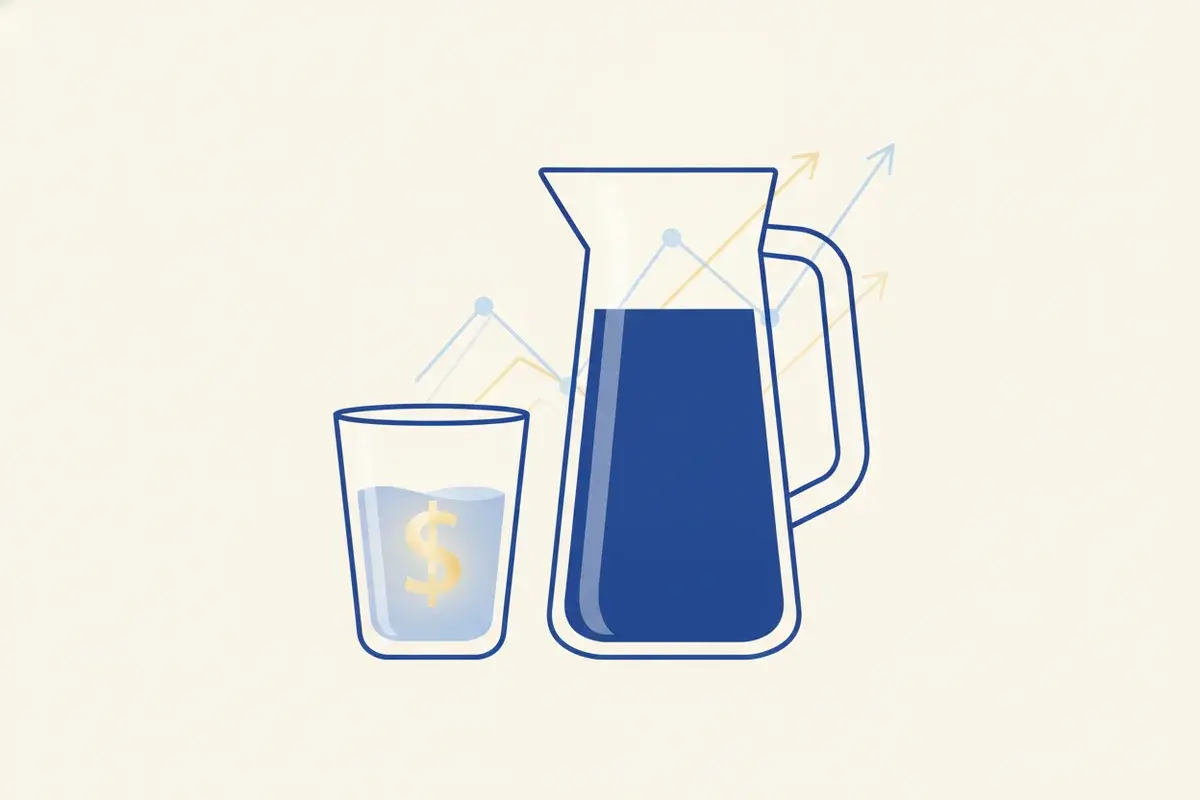
A Google Ad Grant not spending its full budget is almost always normal, not a mistake. Most accounts spend somewhere between $300 and $3,000 a month, held back by real search volume, the $2 bid cap, a separate ad auction, and landing page quality—not by anything broken in your account.
This is probably the single most common question I get from nonprofits running a Google Ad Grant. Someone sees the headline number—$10,000 a month in free advertising—and then logs into the account and sees $412 spent in the last 30 days. It feels like a leak somewhere. Like money is sitting on the table and nobody's picking it up.
Here's what I've learned managing these accounts for organizations like Holy Language Institute and Mussar Center: that gap is the norm, not the exception.
Let me walk you through why—and why chasing the full $10k for its own sake is actually the thing that gets accounts suspended.
Reason 1: There's a Search Volume Ceiling on Your Mission
Google Ads only spends money when someone searches for something and your ad shows up for it. No search, no spend. It doesn't matter how much budget Google hands you.
Think about what that means in practice. If your nonprofit teaches ancient Hebrew, the number of people searching "learn biblical hebrew online" in a given month is a fixed, finite number. It's not infinite. It's not growing because your budget grew. You can't spend $10,000 on searches that don't happen.
This is the piece most people miss. A local food bank in a mid-sized city and a national disaster relief organization are not competing for the same pool of searches, and neither one gets to just will more searches into existence. Your mission has a ceiling. The Grant can help you capture more of what's already being searched—it can't manufacture demand.
We saw this clearly with Holy Language Institute. Their audience is real and it's global—students in more than 100 countries—but it's also a specific, niche interest. The Grant helped them reach people already searching for exactly what they teach. It never needed to hit $10,000 to be worth doing.
Reason 2: The $2 Bid Cap Is Quietly Throttling You
Here's the one that catches almost everyone.
If your account is still running on manual cost-per-click bidding, Google caps every bid at $2.00. That's the ceiling. And $2.00 doesn't win many auctions.
Commercial keywords—the ones with real competition—routinely see bids well above that. Your ad gets outbid before it ever has a chance to show. You're not losing on relevance or quality. You're losing because you showed up to a $6 auction with $2 in your pocket.
The fix is straightforward: switch your account to Smart Bidding, specifically Maximize Conversions. Grant accounts on Smart Bidding aren't held to the $2 cap—Google lifts it because the algorithm is bidding on your behalf, adjusting in real time based on what's actually likely to convert. This one change, more than anything else, is what moves accounts from a few hundred dollars a month to a few thousand.
But it comes with a requirement worth naming plainly: Smart Bidding needs real conversion tracking set up first. Not a vague "we think it's working." An actual signal—a form submission, a newsletter signup, a donation—that tells Google what a win looks like. Skip that step and Smart Bidding is optimizing toward nothing.
If you're still stuck on the $2 cap and not sure how to make that switch safely, that's exactly the kind of fix we handle for nonprofits every week.
Reason 3: Grant Ads Live in a Separate, Smaller Auction
Even with Smart Bidding turned on, there's a structural ceiling here too.
Google Ad Grant ads run in a separate auction from paid ads, and they sit below paid results on the page. A business running paid campaigns with a real budget—no $2 cap, no restrictions—will usually outrank a Grant ad on competitive commercial terms. That's by design. The Grant is a generous gift. It was never built to out-compete a company spending real dollars on the exact same keyword.
What this means for your keyword strategy: broad, competitive, commercial-sounding terms are largely out of reach, no matter how well you optimize. The keywords that actually convert for Grant accounts tend to be more specific—closer to your mission's actual language, closer to what someone searches when they're already looking for something like you, not a generic category term with ten businesses bidding against you.
This is why the search volume ceiling and the auction structure work together. You're not just limited by how many people search your terms. You're limited by how much of that traffic you can actually win in an auction stacked against you on the broad stuff. Neither of those is a bug. They're just what the program is.
Reason 4: Your Landing Page Is Quietly Tanking Your Quality Score
This is the one nonprofits control the most and fix the least.
Google scores every ad on Quality Score—a mix of expected click-through rate, ad relevance, and landing page experience. A weak landing page—slow to load, thin on content, not actually matching what the ad promised, no clear next step—drags that score down. And a low Quality Score doesn't just hurt your ranking. It throttles how often your ads are even allowed to show, which throttles your spend right along with it.
We've seen this play out directly. When we worked with Mussar Center, we built their Ad Grants campaigns in parallel with their organic SEO foundation—same keywords, same landing experience, reinforcing each other. Paid traffic told us what actually converted, and that fed the content strategy. Organic rankings lowered the cost of awareness, which made the paid side more efficient. Neither channel was carrying the other. They were feeding each other.
If your landing pages are an afterthought—a generic "About Us" page instead of something built around the specific search that brought someone there—that's usually the fastest lever to pull, before you touch bidding or keywords at all.
The Real Trap: Chasing $10,000 for Its Own Sake
Here's what I want you to hear clearly, because it matters more than any of the four reasons above.
Underspend is normal. Wasted spend isn't.
I've watched organizations panic over a $6,000 gap between what they're approved for and what they're spending, and go looking for volume any way they can get it. They add broad, barely-relevant keywords just to soak up budget. Click-through rates drop. Google requires Grant accounts to maintain a 5% click-through rate across the account—fall below that for too long and you risk suspension. Chasing the full $10,000 is one of the fastest ways to actually lose access to it.
The better question isn't "how do we spend all $10,000?" It's "what are we getting for the $800 we are spending?" A smaller, focused, well-targeted account that brings in real students, real donors, real volunteers at a healthy cost is worth more than a maxed-out account full of junk traffic that technically satisfies a spend target and does nothing for your mission.
I believe most nonprofits get this backwards because the $10,000 headline number is what gets talked about. Nobody writes an article about the $340 a month that quietly brought in twelve new students. But that's usually the win.
Where to Start
If your account is underspending, work the four reasons in order. Check whether you're on Smart Bidding with real conversion tracking—that's usually the single most effective fix. Look honestly at your landing pages. Get realistic about how much true search volume exists for your mission. And if your account structure has drifted, or you're not sure your organization is even set up correctly in the first place, our Google Ad Grant compliance checklist walks through what Google actually checks for.
If you're earlier in the process and still wondering whether the whole Google for Nonprofits ecosystem is worth the setup, I wrote honestly about that here: does Google for Nonprofits really work?
And if you want the shortest path to knowing where you stand, grab our free Google Ad Grant Eligibility Checklist. It covers eligibility, the documentation Google's verification partner Goodstack looks for, and the order to do it in.
What would it look like if you stopped measuring this account by how close it gets to $10,000, and started measuring it by who it actually reached this month?
That's the number worth chasing. Start there. And if you want a second set of eyes on your account, that's exactly the work we do—Ad Grant management that spends the budget on mission is a flat $495 a month, plus $750 one-time for setup and activation. Against a $10,000 monthly budget, that math isn't close.
Free Download · Churches & Nonprofits
Get the Google Ad Grant Eligibility Checklist
Find out if your church qualifies for $10,000/month in free Google ads—the eligibility questions, the documentation Google looks for, and the order to do it in. Drop your email and I'll send it over.
Tagged

About the Author
Jon Horton is the founder of NewCulture. With 20+ years in technology and digital strategy, he helps businesses, nonprofits, and churches build their online presence and reach more people.
Keep Reading
More from the Blog

Your Website Just Sits There. What You Need Is a Platform for Growth.
Wix and Squarespace are good tools for a site that sits there. But the cost of building something custom has fallen through the floor, and the question for your website has changed: is it adapting, is it flexible, does it show up in AI search, and do you own it? Six questions to run against your own site, and what a managed platform with custom flexibility looks like now.

How a Free Web Tuner Earned Savior Guitar 1,400 Clicks, AI Citations, and the Case for a Pro App
A touring guitar tech in Goldsboro, NC had expert tuning methods and no way to share them beyond the bench. We built a free web tuner, used SEO to connect it with people searching for specific tunings, watched clicks climb from a handful a day to dozens, and then turned the proven demand into a pro tuner app for iPhone and Android.

Best Church Website Design Companies in 2026: 12 Firms Compared on Price, Timeline, and Who Owns the Site
The best church website design companies aren't the ones with the flashiest portfolio. They're the ones that tell you the price, the timeline, and whether you'll own the site before you sign anything. Here's an honest, fact-checked comparison of twelve firms, ours included.