
Studio for nonprofits
A nonprofit website builder that keeps up with your programs
Studio turns program notes and impact reports into published pages, without a designer or a ticket, and gives you the numbers that will make the board happy.
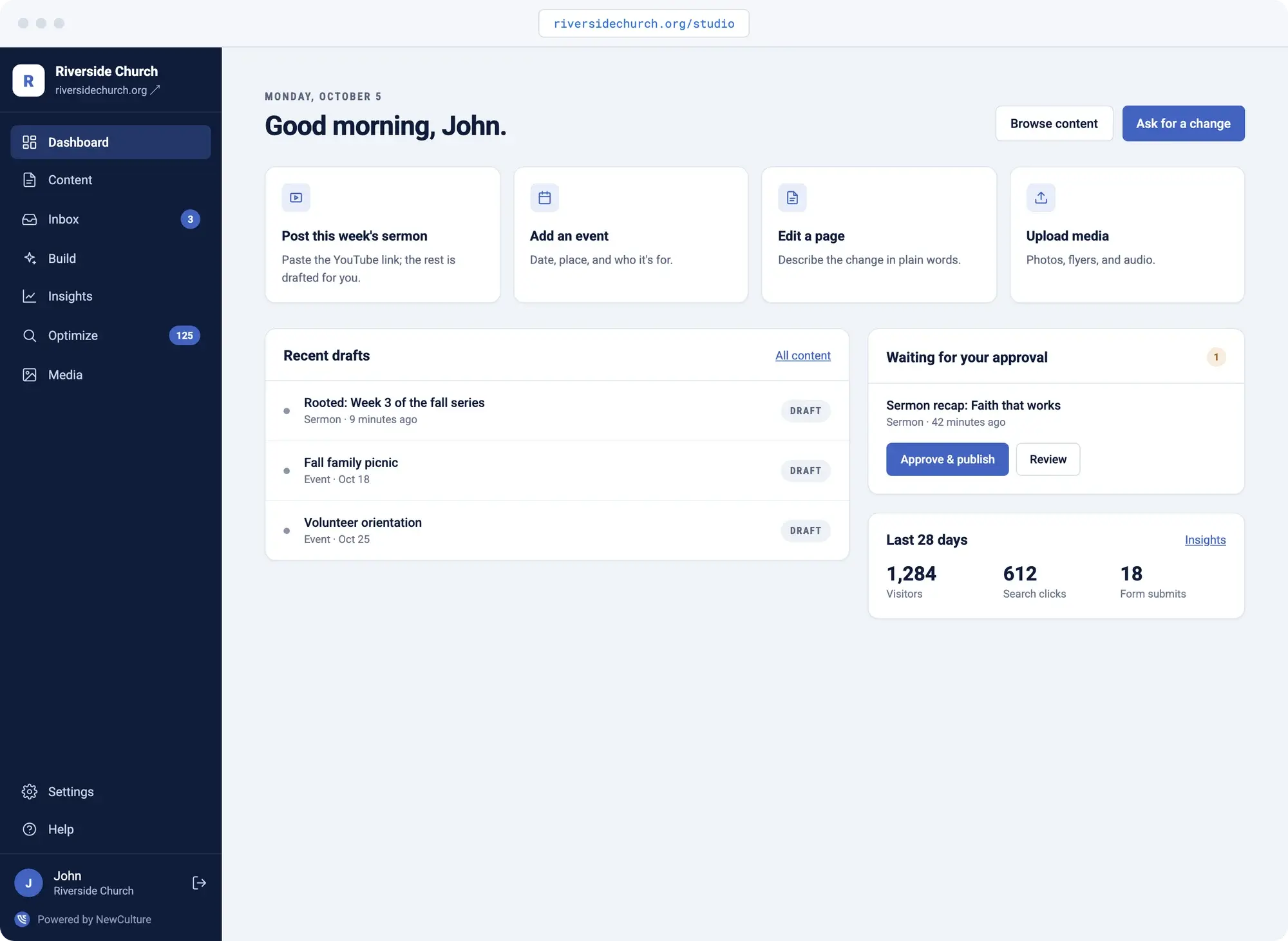
It's Thursday afternoon, the board meeting is Monday, and the new program still doesn't have a page. The grant narrative that took three weeks to write has no home on the website at all. The volunteer sign-up form goes to an inbox nobody checks twice a day.
The best website builder for a nonprofit isn't the one with the most templates. It's the one that keeps up with your programs. NewCulture Studio is a nonprofit website platform built for exactly that gap: describe the page you need in plain words and Studio drafts it, paste in your notes and it drafts the article. Nothing publishes until someone on your team approves it, and the traffic numbers you'd normally dig for are already sitting on the dashboard.
- A new program or campaign needs a page and it's been waiting two weeks for the agency
- A grant narrative or impact report has no web version, so it just sits in a folder
- Volunteer and contact forms land in one person's inbox and quietly get lost
- The board asks how the website is doing and the honest answer is a shrug
- An SEO audit arrives as a PDF nobody has time to act on
A new program doesn't have to wait on a designer
Describe the program or campaign in plain words and Studio drafts the page: hero, body, cards, a call to action, an FAQ if you need one. This is what makes Studio a nonprofit CMS your program staff can actually use, not a template picker handed off to IT.
Edit the blocks, swap in a photo, publish. Think about what that means in practice: a program launch that used to wait on an agency ticket can go live the same week it's announced internally.
- Page sections from a plain-word prompt
- Hero, body, cards, CTA, FAQ blocks
- Edit before you publish
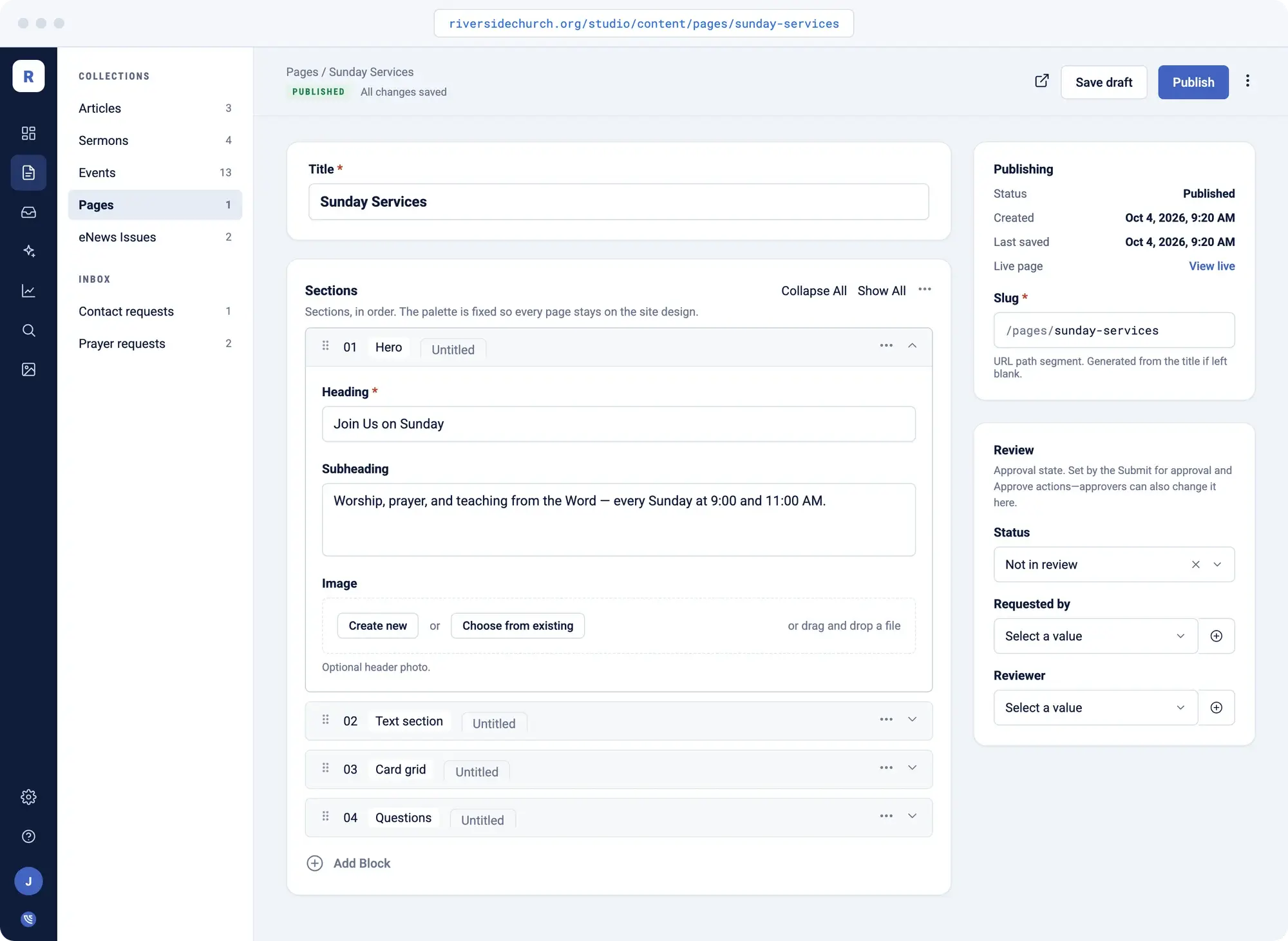
Meeting notes and impact reports become articles that inspire your donors
Paste in the notes from a program meeting, a grant narrative, or an impact report and Studio drafts the article. Add a hero image from the media library and it's ready for review.
A long report or recording that's too dense for the website gets the summary treatment instead: Studio pulls a short summary and key points so visitors get the gist without reading the whole document.
- Article from notes
- Summary and key points from a longer source
- Media library with required alt text
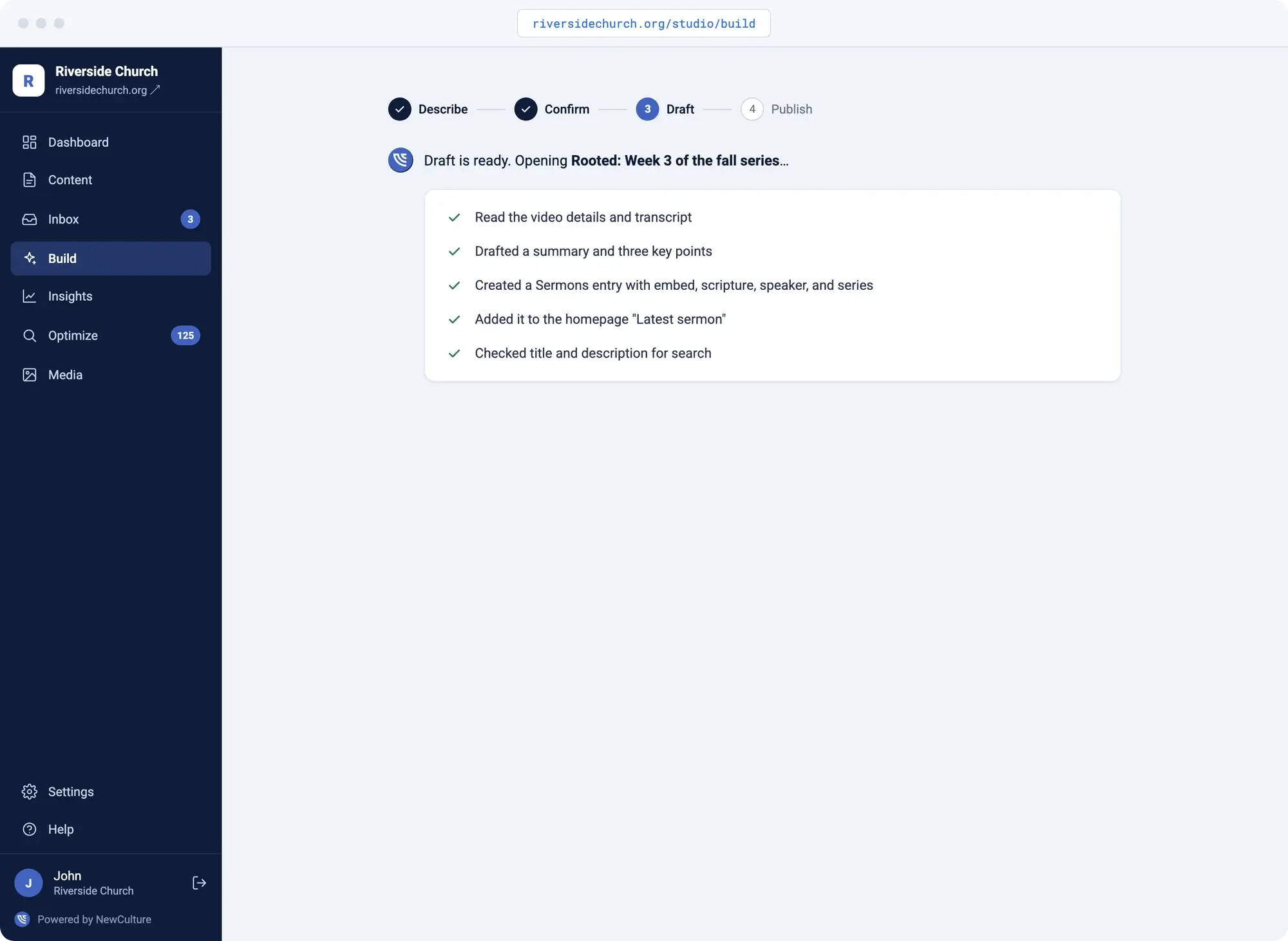
Create an event once, display it everywhere it belongs
Fundraisers and volunteer events get entered once, with dates, location, and a registration link, then embedded on any page that needs them. No more retyping the same gala three different places on the site.
- One event entry, embedded anywhere
- Dates, location, registration link
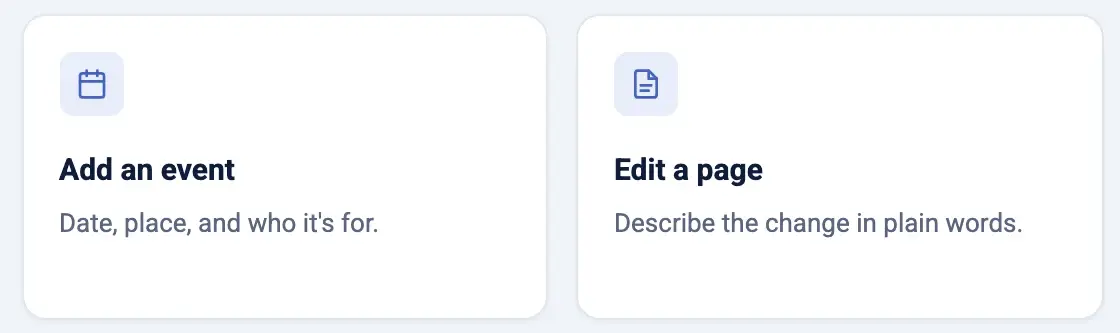
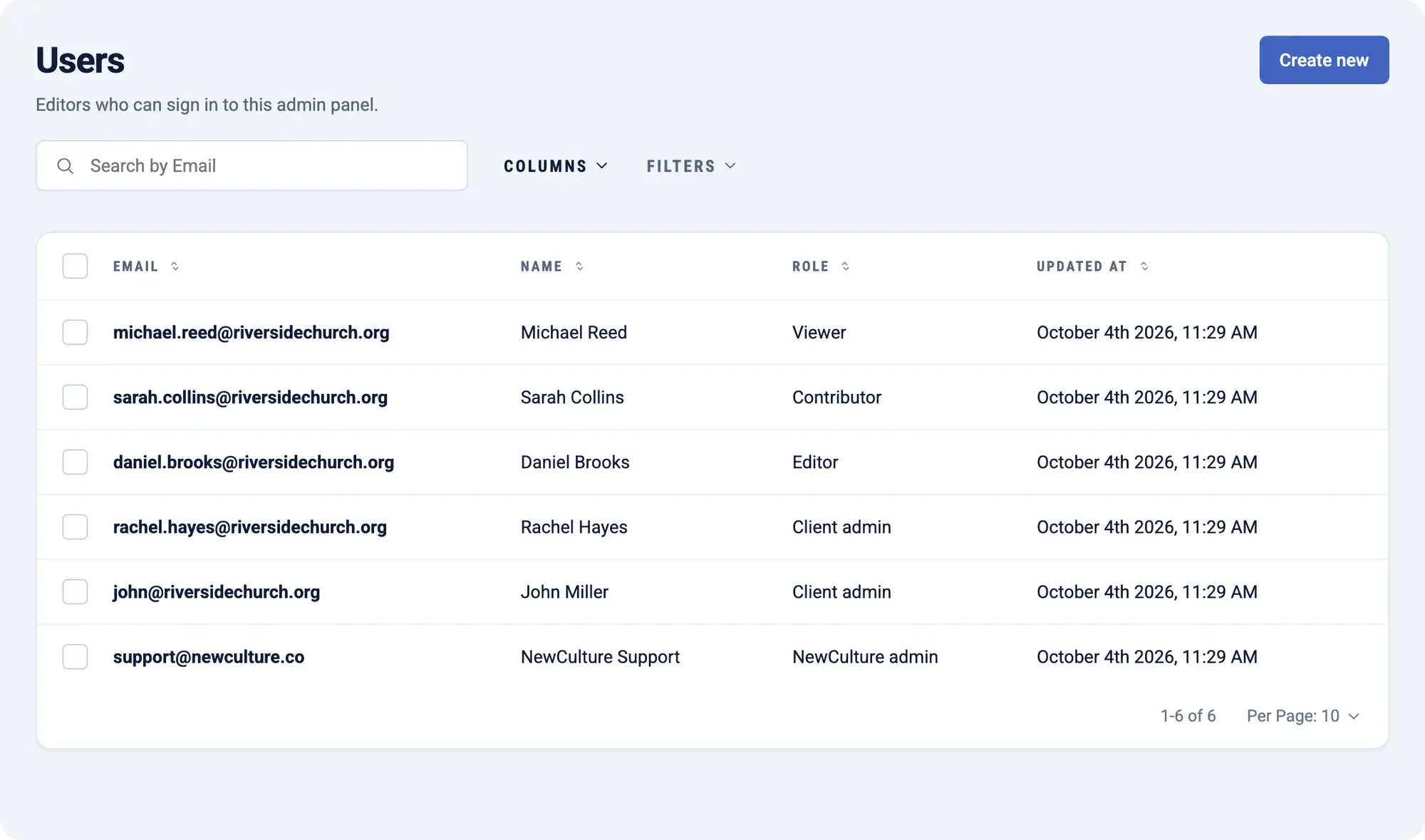
Volunteer and contact forms land with an owner, not in a void
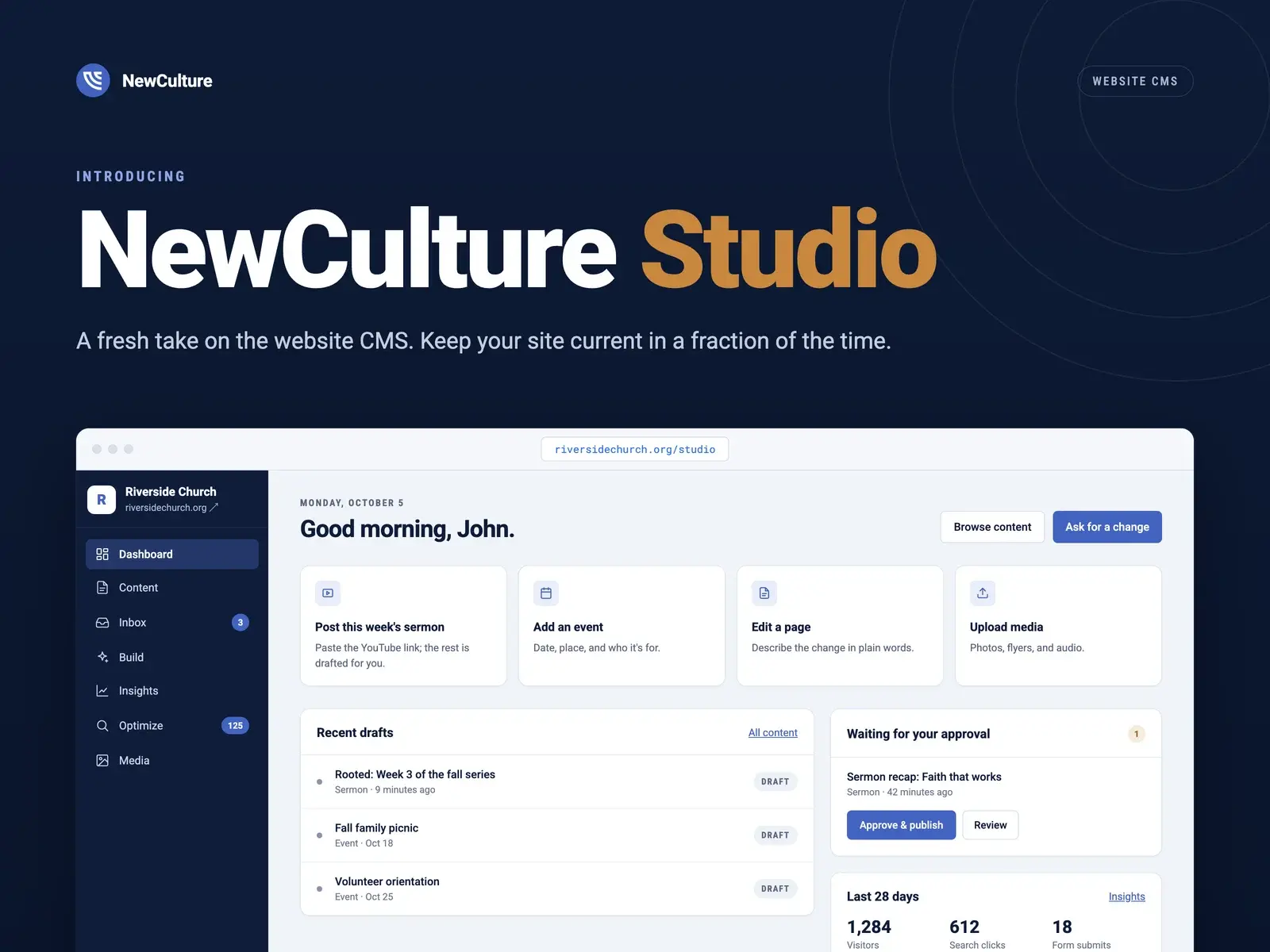
Every form submission, volunteer sign-up, or program inquiry lands in the Studio Inbox with a status, an assignee, and the page it came from. Spam is filtered out before a notification ever goes out.
- Status: new, in progress, done
- Assignee per submission
- Spam filtered before notification
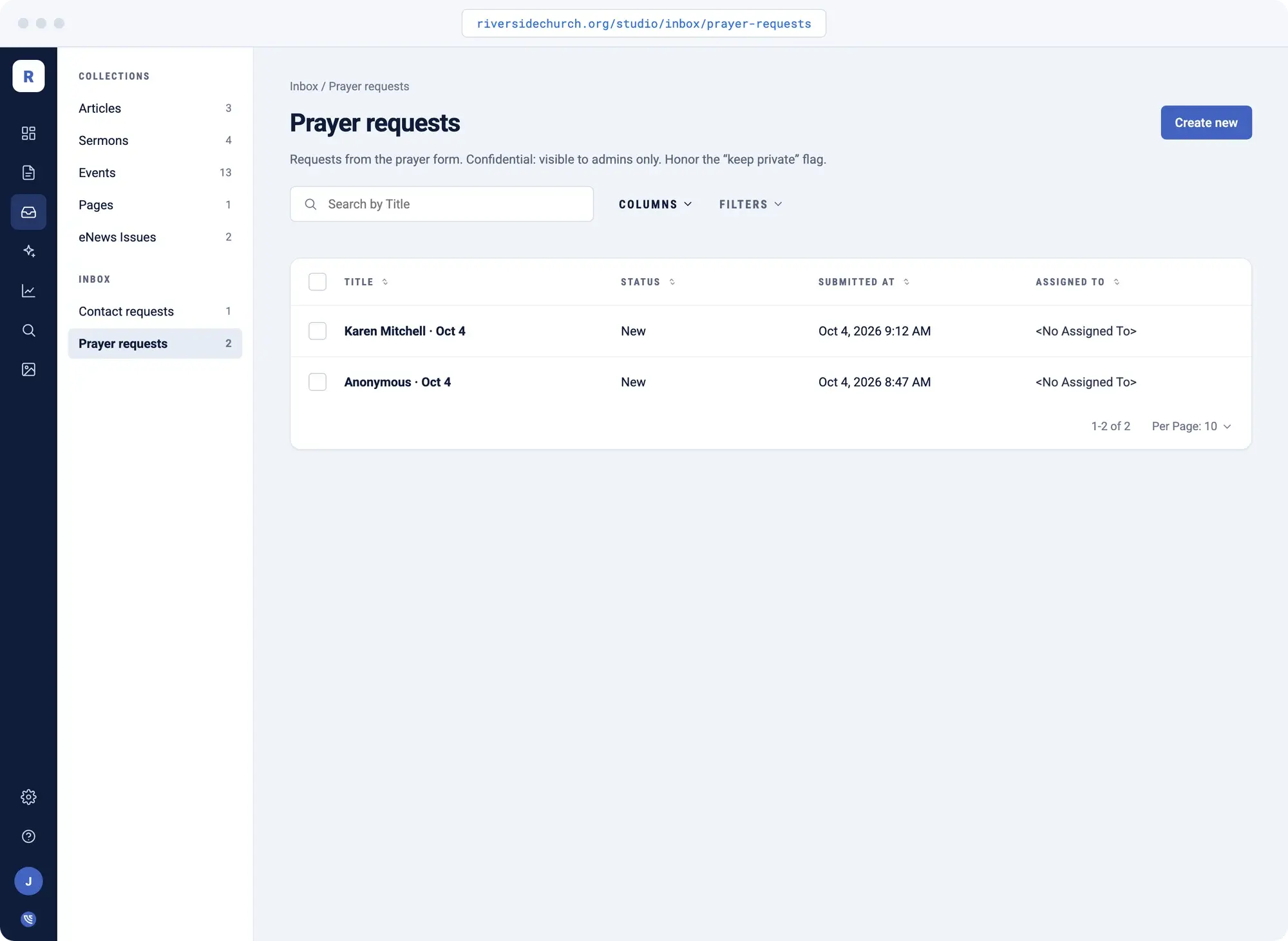
Answer "how is the website doing" with your own numbers
Insights pulls visitors, search clicks, and top pages for any date range, straight from your own Google Analytics and Search Console accounts. Before the next board meeting, you have a real answer instead of a guess.
- Visitors and sessions
- Search clicks and top pages
- Your own Google data, any date range
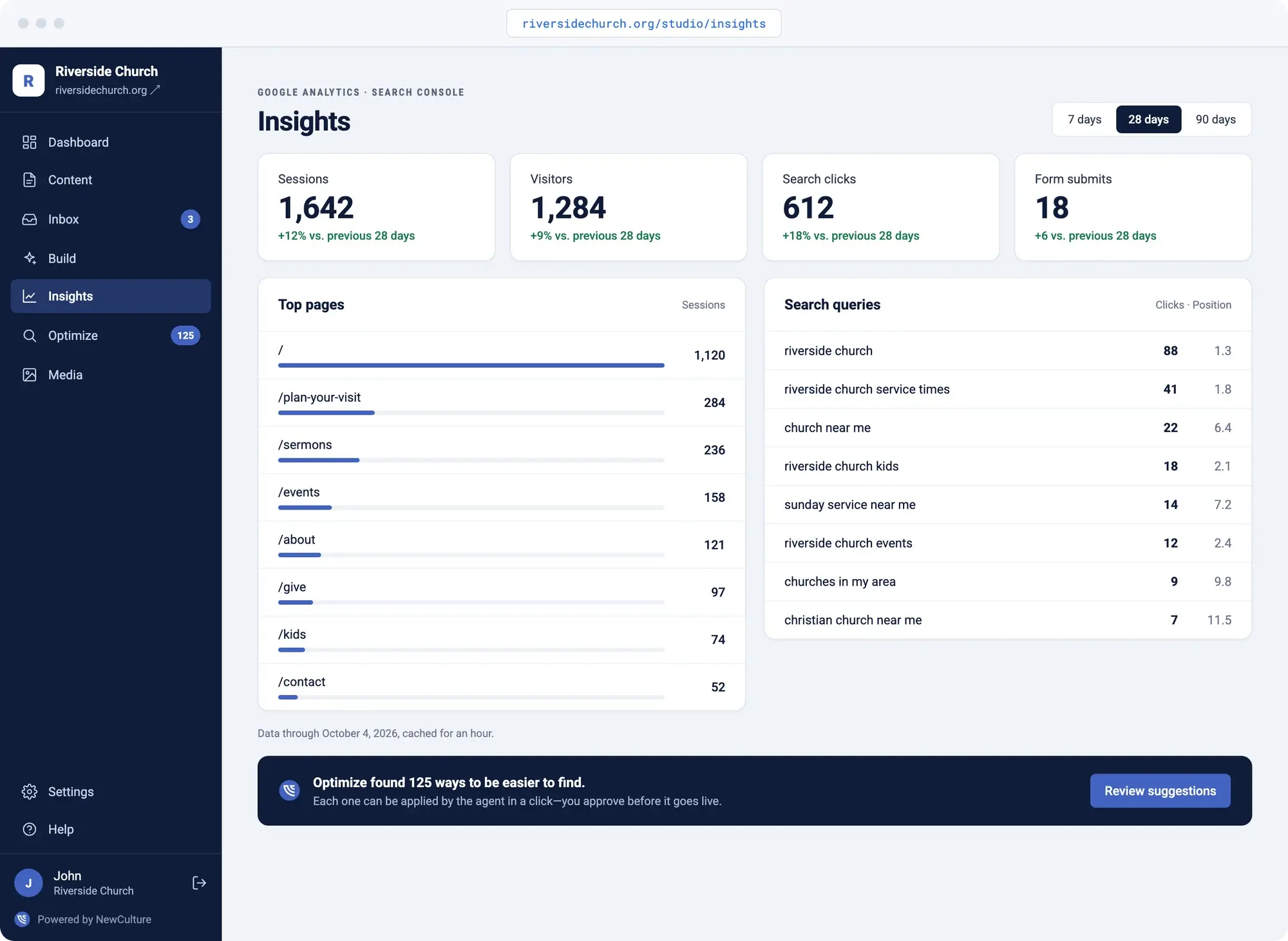
SEO advice that becomes a draft instead of a PDF
SEO suggestions sit inside Studio, grouped by impact, instead of arriving as a PDF audit nobody has time to act on. Click a suggestion and it opens Build with the fix already pre-filled.
- Suggestions grouped by impact
- One click into a draft
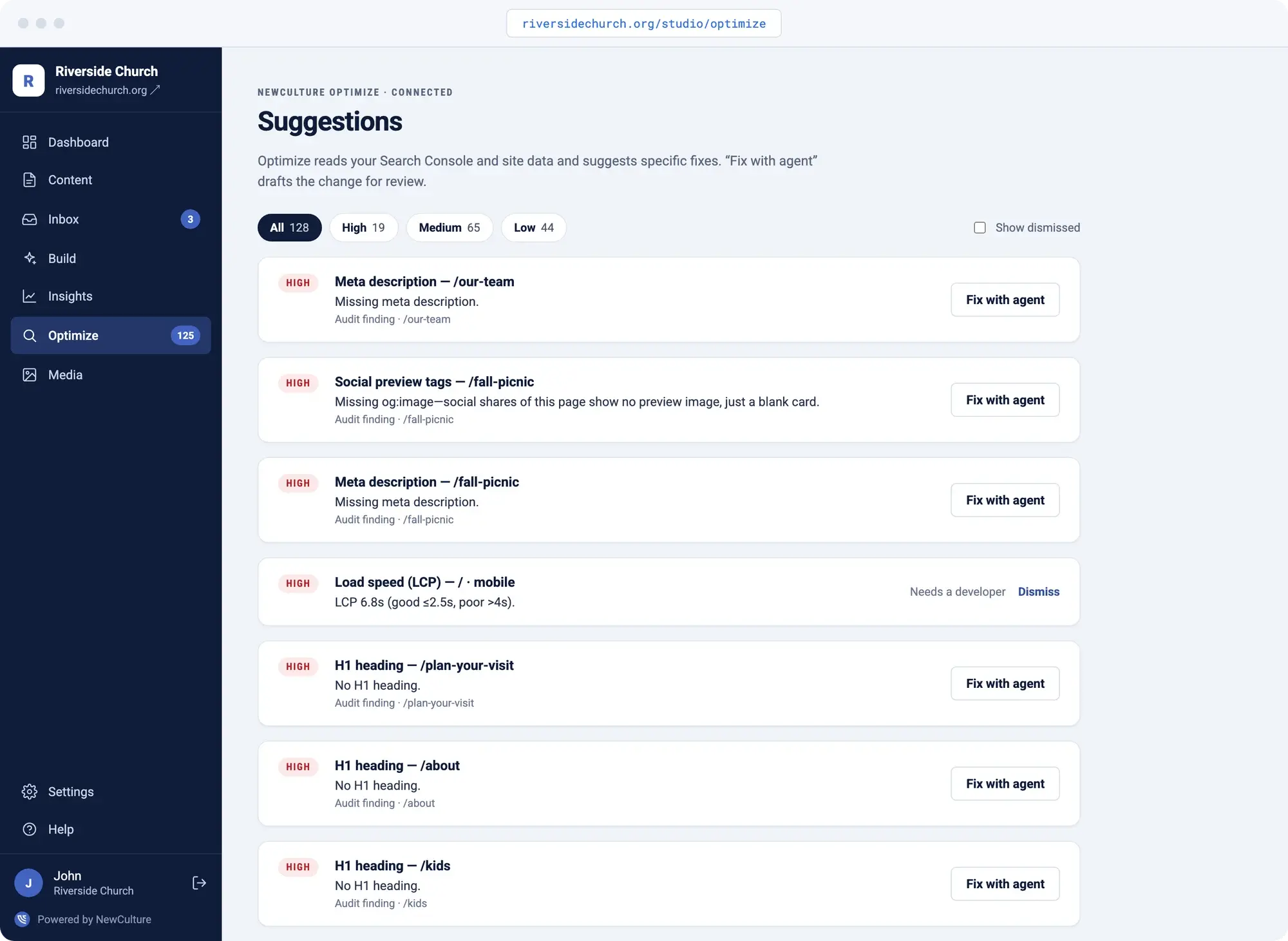
Staff turnover doesn't mean a lost login
Roles are set per person, not shared across a team. Add a viewer, editor, or admin in Settings when someone joins, and remove them the same way when they leave. The website login doesn't walk out the door with a departing staff member.
- Per-person roles
- Add or remove access in Settings
Built for how nonprofits work
Day-to-day nonprofit website management looks like this inside NewCulture Studio.
- Programs
- Pages with blocks: hero, body, cards, CTA, FAQ.
- Impact updates
- Articles drafted from your meeting notes or reports.
- Events
- Entered once, embedded on any page.
- Volunteer and contact forms
- Land in the Inbox with a status and an owner.
- Roles
- Per-person access, set and removed in Settings.
- Donations
- Use our giving module or bring your own.
The Ancient Way
The Ancient Way is a NewCulture client whose website strategy was built in from day one. The site now sees 3,000+ monthly visits from organic search, the kind of result Insights lets you see in your own numbers month to month.
3,000+ monthly organic visits
Visit The Ancient WayWhat every Studio site includes
The platform is the same under every design. This is what comes with it.
- A central Admin interface with your name and logo on it, at your own domain under /studio
- Describe a change in your words and get a draft to review
- Nothing goes live until the right person approves it
- Every edit retains version history. Preview before it publishes
- Search/Meta titles and descriptions auto-filled in for every page
- Media library with required alt text, stored on durable cloud storage
- Forms with spam protection and a shared inbox with statuses
- Traffic and search analytics from your own accounts, always accessible
- SEO suggestions that turn into content drafts
- Scheduled publishing in your timezone
- Hosting, security, backups, and platform updates handled for you
- Your site, your content, your code. Month to month
Need the site designed or rebuilt first? That page covers design and development. Every site we build launches on Studio.
See nonprofit website designFrequently Asked Questions
Both. NewCulture builds and designs the site, and it launches on NewCulture Studio, the platform you run it on afterward. Once it's live, your team describes changes in plain words and Studio drafts them for approval, so you're not waiting on an agency for every update.
Yes. Hosting, security, backups, platform updates, and ongoing nonprofit website maintenance are all included in the $195/mo Studio plan, or $2,145/yr prepaid. There's nothing separate to manage on your end.
Yes. Insights reads your Search Console data directly, so when a Google Ad Grant campaign lifts your organic reach, you see it in the same place as the rest of your traffic instead of digging through a separate report. We manage Ad Grants for nonprofits too, so the two can be set up together.
You do. Your content and your code stay yours, and Studio is month to month with no lock-in contract. If you ever want to leave, we'll help you migrate off.
Studio is $195/mo month to month, or $2,145/yr if you prepay for the year. That covers hosting, the admin, approvals, Insights, and SEO suggestions, all included.
Give your programs a page without the wait
Your next program, your next grant report, your next board meeting. Studio keeps the website moving at the pace your work actually happens.
Talk to us about Studio